The MOES Smart Knob pairs with one battery entity. Here is the rest.
You pair the knob, ZHA finds it, and the device page shows you a battery sensor. That's it. No switch, no dimmer, no buttons — one number telling you the CR2032 is fine. Almost everybody's next move is to re-pair it, and it comes back exactly the same, because nothing is broken.
The knob is an end device that sends commands. It has no state for
Home Assistant to hold, so ZHA has no entity to build for it — the battery is
genuinely the only thing about this device that has a value. Everything the
knob does arrives on the event bus instead, as zha_event, and
that is what you automate against.
See the events first
Do this before writing any YAML. It takes thirty seconds and it means you are automating on what your knob actually sends rather than what a page on the internet says it should.
- Go to Developer tools → Events.
- Under Listen to events, type
zha_eventand press Start listening. - Turn the knob. Click it. Double-click it. Hold it. Watch what lands.
Each gesture fires something shaped roughly like this:
event_type: zha_event
data:
  device_ieee: 8c:65:a3:ff:fe:xx:xx:xx
  unique_id: 8c:65:a3:ff:fe:xx:xx:xx:1:0x0008
  endpoint_id: 1
  cluster_id: 8
  command: step
  args: [...]
  params:
    step_mode: 1
    step_size: 13
    transition_time: 4
Two fields do the work: device_ieee says which knob, and
command says what it did. Everything else is detail — useful
detail, as it turns out, but those two are enough to get started.
What the commands mean
The command names come from the ZigBee spec, not from MOES, which is why they read oddly for a thing you turn. Three we see from ours:
toggle— the OnOff cluster (cluster_id: 6). This is a press.step— the LevelControl cluster (cluster_id: 8). This is rotation, asking for one step of brightness.move_saturation— the Color Control cluster (cluster_id: 768). Rotation again, but in the mode where the knob is driving colour rather than level.
The trap is rotation direction. Turning left and turning
right both send step. The direction is in
params.step_mode — one value for up, the other for down. If you
only match on command, both directions will run the same
automation and it will look like the knob is broken. Turn yours each way with
the event listener running and write down which number you get; that is the
one piece of this you should not take on trust from anyone.
A working automation
Match on the two fields that identify the gesture. Substitute your own
device_ieee from the event you just watched.
alias: Knob press toggles the lamp
triggers:
  - trigger: event
    event_type: zha_event
    event_data:
      device_ieee: "8c:65:a3:ff:fe:xx:xx:xx"
      command: "toggle"
actions:
  - action: light.toggle
    target:
      entity_id: light.living_room
For rotation, add the direction and let the step size through to the brightness change, so a slow turn nudges and a fast spin sweeps:
alias: Knob rotation dims the lamp
triggers:
  - trigger: event
    event_type: zha_event
    event_data:
      device_ieee: "8c:65:a3:ff:fe:xx:xx:xx"
      command: "step"
actions:
  - action: light.turn_on
    target:
      entity_id: light.living_room
    data:
      brightness_step: >-
        {{ (trigger.event.data.params.step_size | int)
           * (-1 if trigger.event.data.params.step_mode | int == 1 else 1) }}
Check the sign before you keep it — if turning right dims, flip the
comparison. That template is the whole reason to read params
rather than just command: you get proportional dimming for free
instead of a fixed step per click.
On older Home Assistant the trigger keys are trigger: /
action: at the top level with platform: event and
service: inside. Both forms still work; the ones above are the
current spelling.
Why you might be seeing different commands
This knob has two modes and triple-click switches between them, which catches people who bump it while installing the battery.
- Event mode — every gesture goes out as a
zha_eventfor Home Assistant to act on. This is the mode this guide is about, and the one you want if you're automating. - Command mode — the knob talks straight to a bound ZigBee group, so the lights respond without Home Assistant being involved at all. Lovely for reliability (they still work mid-restart), useless if you wanted a trigger, because there may be nothing on the event bus to catch.
If the event listener shows nothing at all while the battery sensor is updating happily, try a triple-click and listen again.
Once it works
The gestures are separately addressable — press, double-press, hold and rotation each send their own command — so one knob is comfortably four or five controls. The one on our wall toggles the room on a press and dims on rotation; the magnetic base means it comes off the plate and finishes the evening on the arm of the couch.
Found a gesture that sends something not listed here, or a firmware that behaves differently? Tell us and include the event payload — we'd rather this page were complete than tidy.
The hardware
This is the MOES ZigBee Smart Knob (ERS-10TZBVK-AA) we stock — battery already fitted, magnetic base, no wiring. Everything above applies to the device whoever you bought it from; the guide is the same either way.
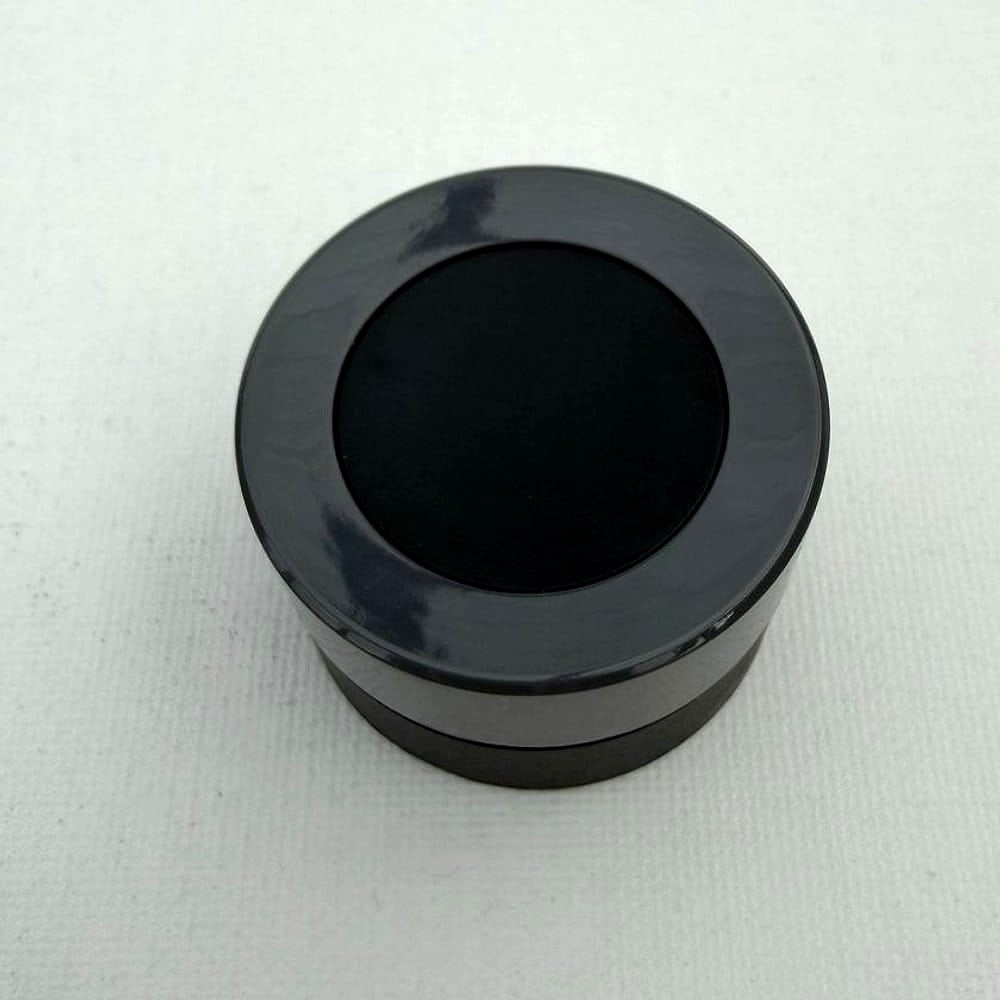 THE DEVICE IN THIS GUIDE MOES ZigBee Smart Knob: Rotary Dimmer Switch ZigBee · Rotate + click · in stock in Australia →